
Metal Detection Made Simple.
Fewer unnecessary holds. Fewer false rejects. More confidence at the detector.
Give your operators and quality team the practical knowledge to understand why the detector is rejecting, what affects sensitivity, and what to check before good product ends up on hold.
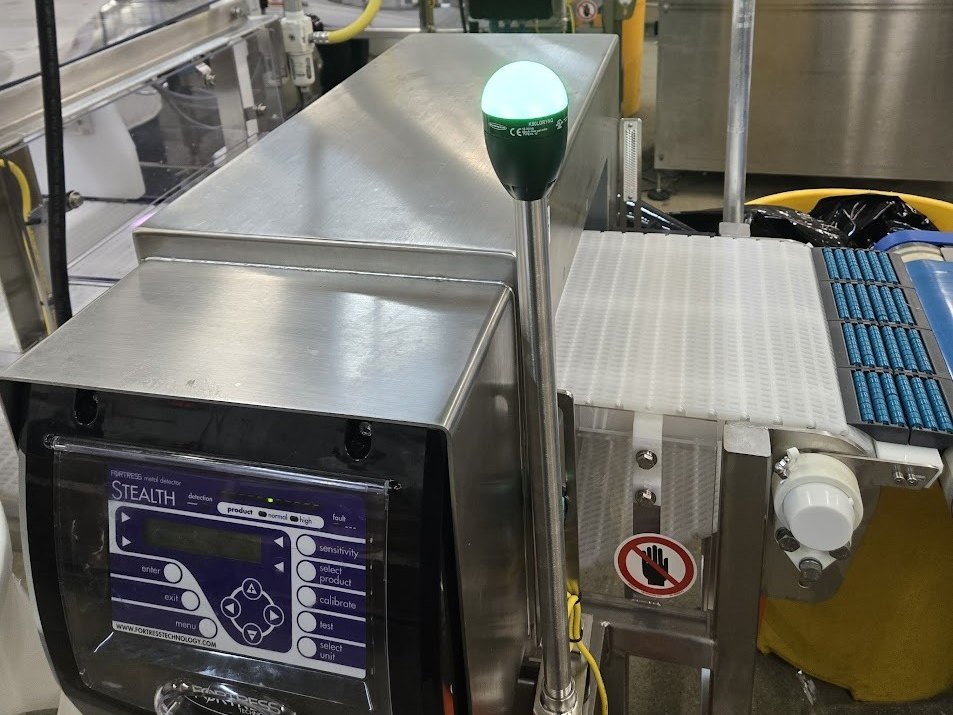
- 1Understand itWhat the detector is actually seeing
- 2Test it correctlyRight piece, right place, right interval
- 3Troubleshoot it confidentlyReal problem, or normal product?
- 4Document it for the auditA record an auditor can follow
When the metal detector acts up, the whole line feels it.
A failed test. Repeated false rejects. Product piling up. QA puts everything on hold while someone tries to figure out whether there is actually a problem.
And too often, the first response is:
"Turn the sensitivity down."
The problem isn't always the detector. Operators are expected to run, test and troubleshoot a critical control point without ever being taught what the detector is actually seeing.
That's what this course changes.
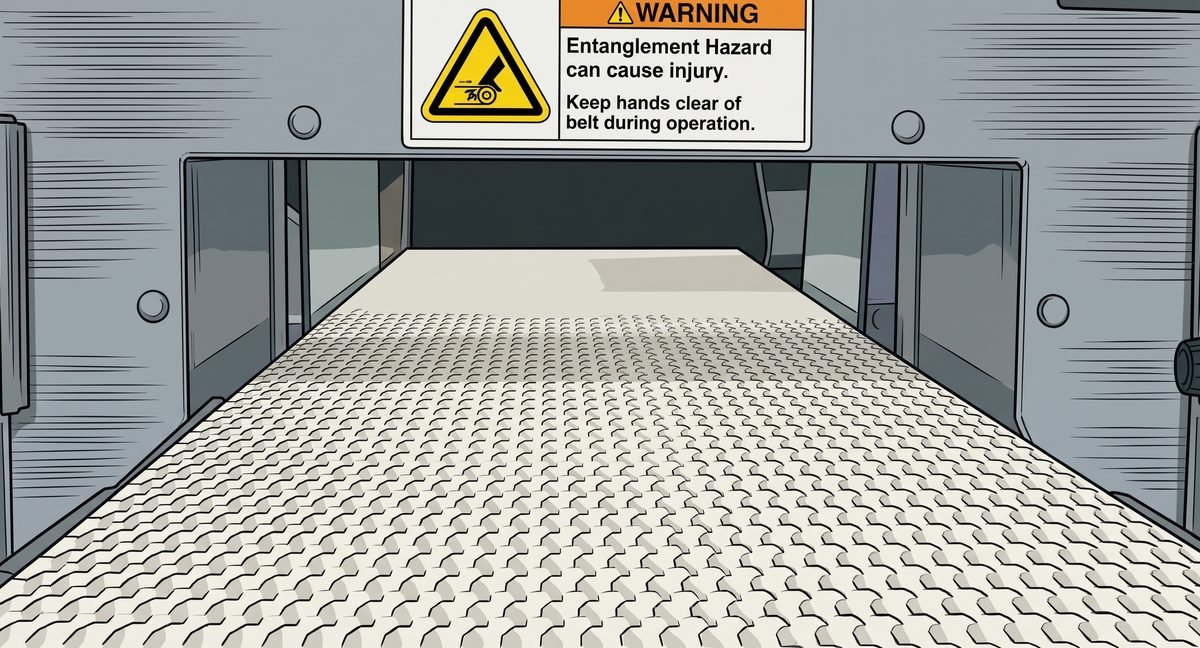
"Why does it keep rejecting?"
What the course changesUnderstand product effect, interference and the common causes of false rejects.
"It passed yesterday. Why won't it pass today?"
What the course changesUnderstand sensitivity, aperture, product conditions and why performance changes.
"Now what do we do with all this product?"
What the course changesKnow what a failed test means, what to check, when to stop and when to escalate.

Built from real service calls — not a textbook.
We see what happens when a metal detector becomes the most frustrating machine on the line. This course teaches the same fundamentals our technicians explain in the field, using simple visuals, interactive examples and real-world situations your operators will recognize.
No engineering degree required.
Every module has something to play with — and Continue stays locked until they have done it.
Watching a slide about product effect is one thing. Pushing a wet product to eighty percent and getting a clean pass yourself is another. Each module ends with three questions, and the course only moves forward when the task is done.
- M1
Run a pack through
Get the signal bar into the red, then change the metal, the aperture and where the sphere sits — and watch what it does to the lamp.
- M2
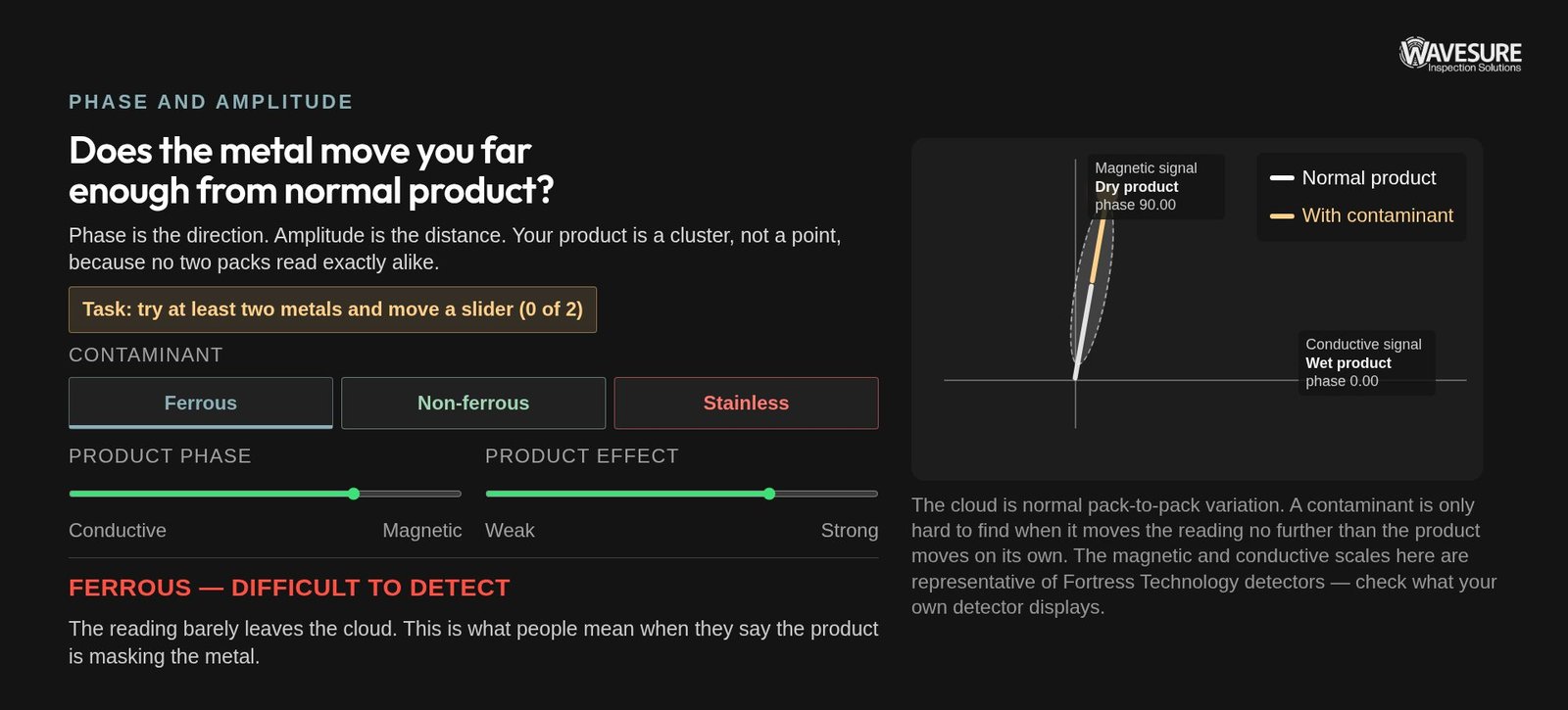
Beat the product effect
Take a wet product to eighty percent, then get one clean pass: test piece heard, product not tripping the reject.
- M3
Find the smallest sphere
Pick a metal and a product and find the smallest sphere that still gets detected — starting with stainless in wet product, the worst case you will ever have to defend.
- M4
Put the test in order
Sequence the whole test, from picking up the piece to writing the result down, the way an auditor expects to see it.
- M5
Troubleshoot three symptoms
Three symptoms, three decisions. Pick the right next step for each one before anyone reaches for the sensitivity.
The interactive graphics are teaching tools, not a model of any one detector. Your machine and your site procedure are always the reference — the course says so on slide one.
Five short modules, in the order the problems show up.
Every slide is narrated by the same voice, with a hands-on simulation in each module and three questions at the end. Trainees can stop any time and pick up exactly where they left off.
How a metal detector works
Coils, the balanced field, sensitivity, and why the middle of the aperture is the weak spot.
Your product
Product effect, phase and amplitude, drift, foil and frozen product — and the rule that keeps a CCP honest.
Three metals, one test piece
Ferrous, non-ferrous and stainless; why test pieces are certified spheres; what a wire does at the line.
Running the test
Where the piece travels, how often, the paperwork, what a failed test means for the product behind it, and the shortcuts that fail audits.
When it rejects
The five causes of false rejects, in the order to check them, four things never to do, and when to escalate.



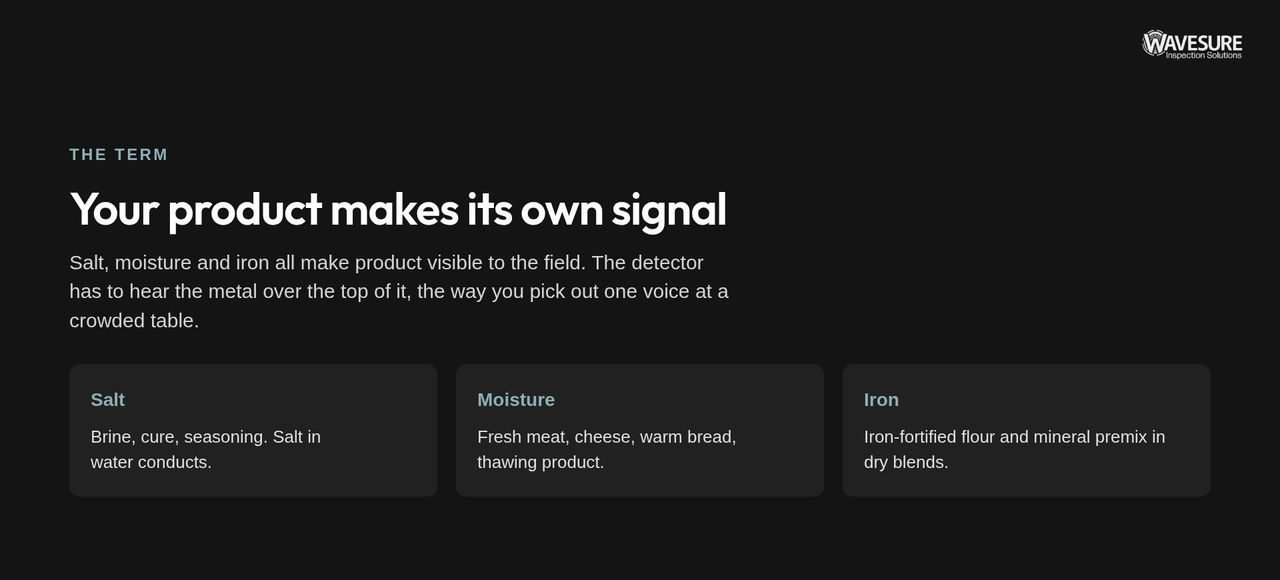
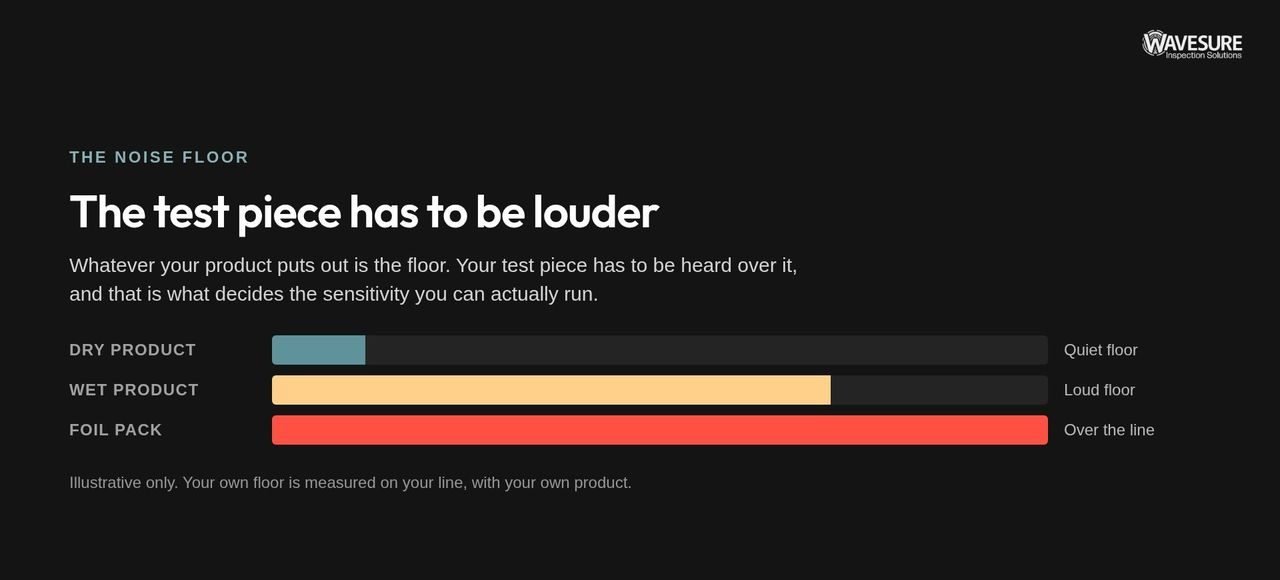
Ninety seconds of Module 2.
Three beats, exactly as your operators will hear them — the same narrator, the same slides. Sound on.
The full course has 90 narrated slides, five hands-on simulations and a signature at the end.
Set up in a day. No accounts, no passwords, no IT ticket.
Trainees sign in with an 8-character code or a personal link, on any tablet or PC — even a shared tablet on the floor. Your training manager sees every trainee's progress, and the certificates are there when the auditor asks.
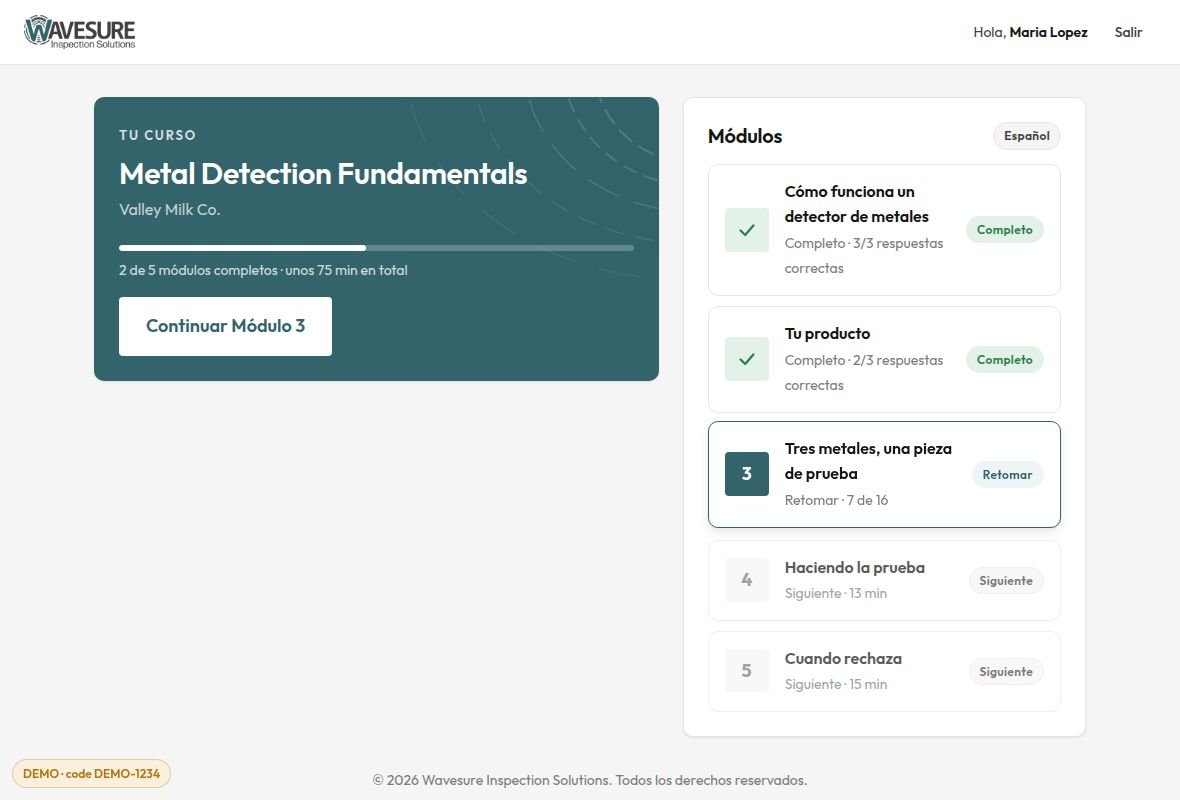
Start with the Starter Package
Five seats plus setup. We create your company, your training manager's sign-in, and hand you a one-page guide. Add seats any time as the team grows.
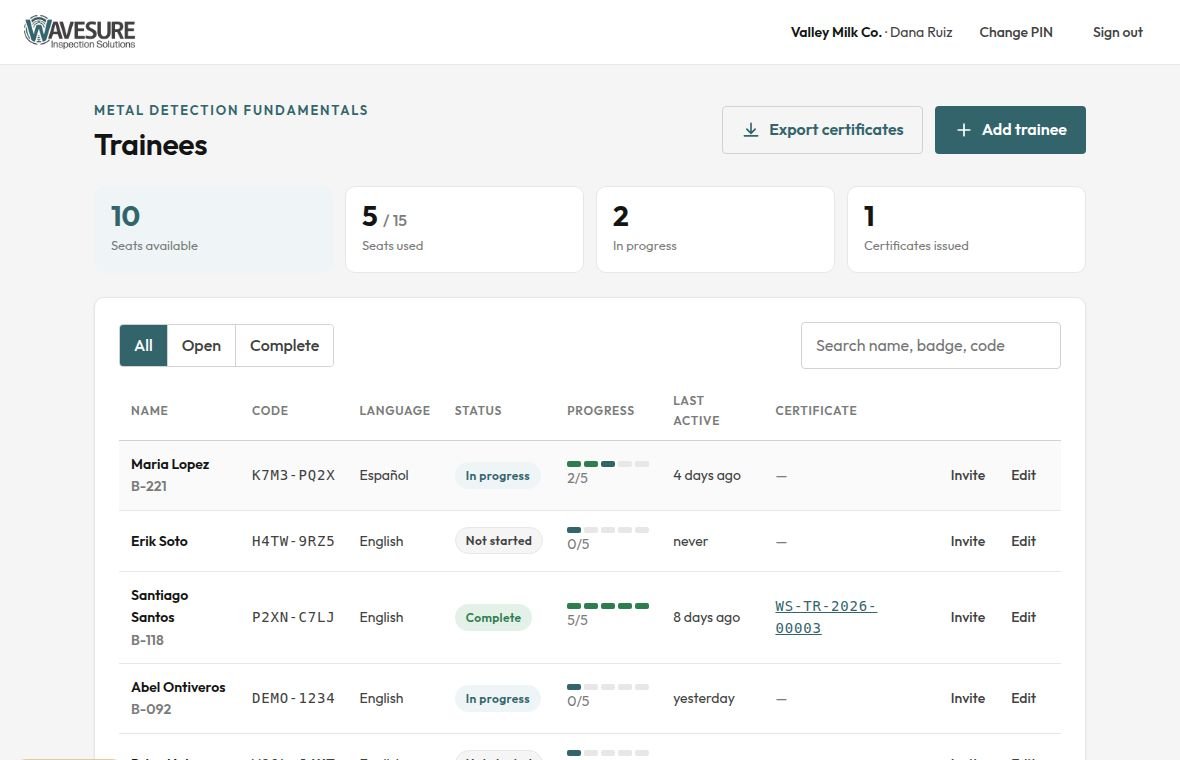
Add trainees, hand out codes
Name and language is all you need. Print a card with the code and a QR, or send the link. Progress, quiz results and sound-check flags show up as they go.
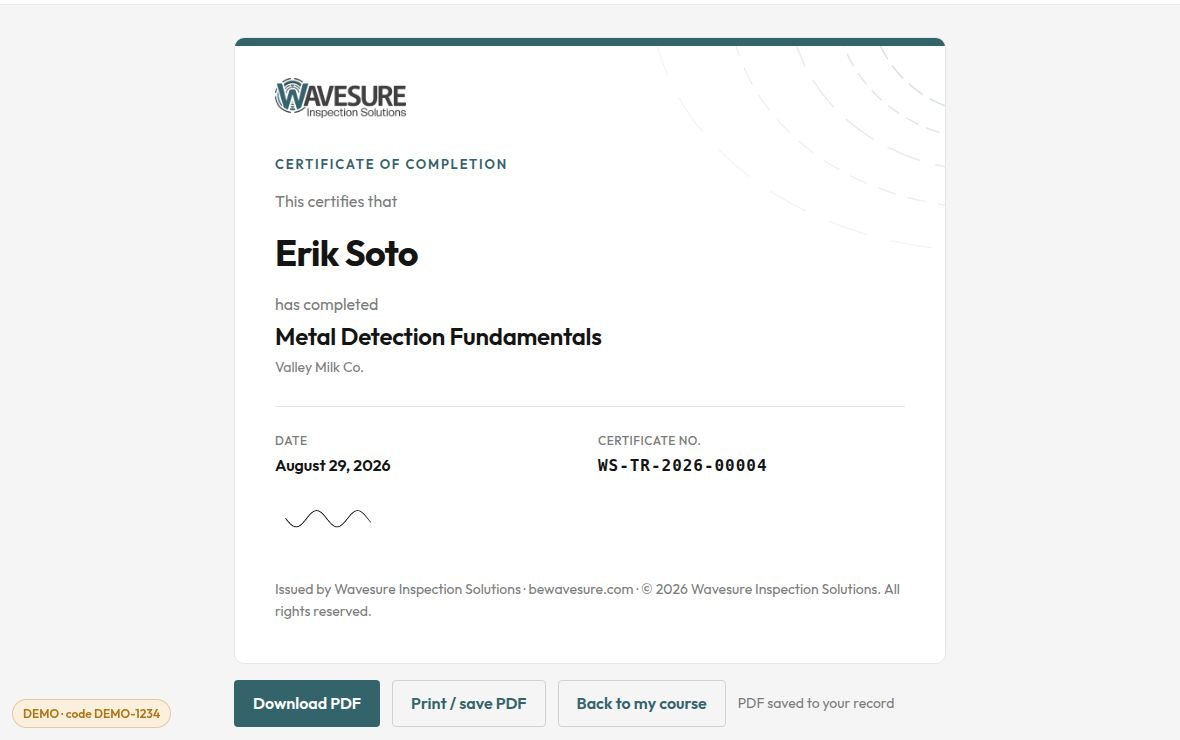
Certificates and the register
Each trainee signs on screen and gets a numbered certificate. Export every certificate and a training register in one ZIP for the audit file.

The people standing at the detector when it starts rejecting.
Operators, line leads, QA technicians, new hires — and the people who trained them. Written in the words a technician uses on site. No engineering background needed.
What quality managers ask us.
Will this actually cut false rejects and service calls?
How long does it take?
Do trainees need an email address?
What does the certificate show?
How is it priced?
Is it only for Fortress detectors?
Can we see who rushed through it?
Does it work offline?
Request the Starter Package.
Tell us who you are and how many people stand at your detectors. We reply the same business day with a quote and, once approved, your manager sign-in — usually within a day.
Starter Package
- 5 trainee seats, English or Spanish per trainee
- Company and training-manager setup
- Certificates, training register and ZIP export
- Add seats any time at volume pricing
Prefer to talk? 916-572-2429 · info@bewavesure.com